“We're too small to be a target.”
It is one of the easiest assumptions for a growing business to make.
But size doesn't determine whether a business needs cybersecurity. If your company uses email, websites, cloud software, online payments, customer databases, employee devices or digital applications, you already have a digital environment that needs protection.
That's why understanding the cybersecurity risks for small businesses is no longer optional.
A security incident can affect much more than computers. It can interrupt operations, expose sensitive information, affect customer trust and create unexpected recovery costs.
The good news?
You don't need an enterprise-sized security department to start improving your cybersecurity.
You need to understand what you're protecting, where the risks are and which security measures should come first.
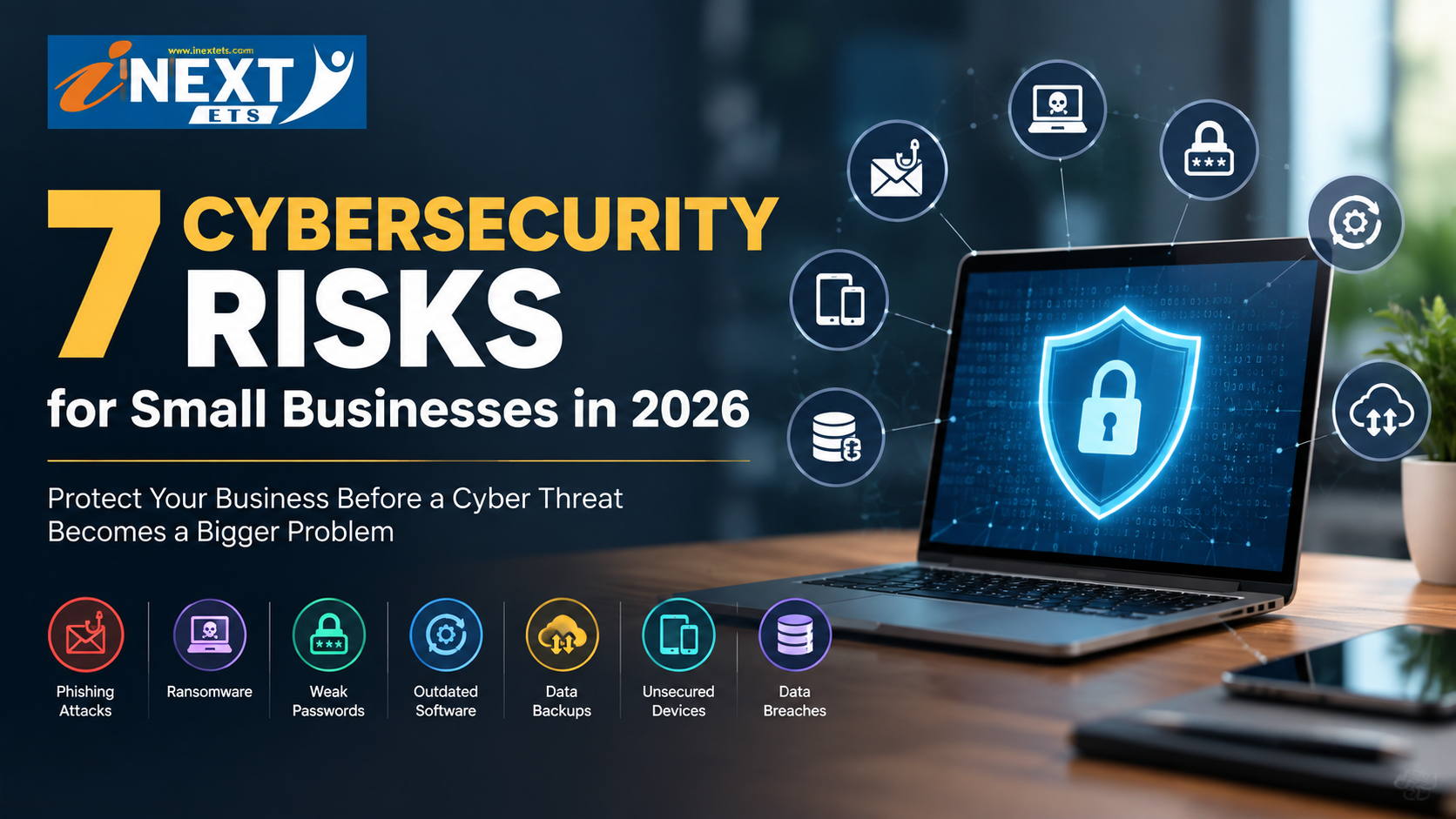
In this guide, we'll cover seven common cybersecurity risks for small businesses and practical steps you can take to reduce them.
Why Cybersecurity Matters for Small Businesses
A small business may have a smaller team than a large corporation, but it can still handle highly valuable information.
Depending on the industry, this could include:
Customer information
Employee records
Business documents
Financial information
Login credentials
Website data
Payment information
Contracts
Intellectual property
Internal communications
At the same time, smaller organizations may have limited IT and cybersecurity resources.
This combination makes having a risk-based security strategy important.
NIST's Cybersecurity Framework 2.0 provides organizations with a structured way to understand, assess, prioritize and manage cybersecurity risks, and NIST also provides resources specifically aimed at small businesses.
The objective isn't to install every cybersecurity product available.
It is to identify your biggest risks and address them systematically.
The 7 Biggest Cybersecurity Risks for Small Businesses
1. Weak or Reused Passwords
Passwords are still one of the most basic layers of business security.
Problems begin when employees:
Reuse the same password across multiple services
Use predictable passwords
Share credentials
Store passwords insecurely
Leave old accounts active
Imagine an employee uses the same password for a business email account and another online service. If those credentials are compromised elsewhere, attackers may attempt to use them against the business account.
How to reduce the risk
Start with a few simple practices:
Use strong, unique passwords.
Enable multi-factor authentication (MFA).
Use a reputable password manager where appropriate.
Don't share account credentials unnecessarily.
Review user access regularly.
Disable accounts that are no longer required.
Simple rule: Every important business account should have its own credentials and appropriate protection.
2. Phishing Emails and Social Engineering
Phishing is designed to make a malicious request look legitimate.
A fraudulent message might appear to come from:
Your bank
A supplier
A customer
A colleague
A delivery company
A software provider
Your company's management
The message could ask an employee to:
Click a link.
Open an attachment.
Change a password.
Approve a payment.
Share sensitive information.
The challenge is that phishing isn't always obvious.
A convincing message can use familiar names, branding, urgency and realistic-looking requests to encourage someone to act before checking.
How to reduce the risk
Train employees to:
Check the sender's address.
Be cautious with unexpected attachments.
Verify unusual payment requests.
Avoid entering passwords through suspicious links.
Question urgent requests involving sensitive information.
Report suspicious messages.
Email security tools can provide another layer of protection, but employee awareness remains an important part of the overall security process.
3. Outdated Software and Unpatched Systems
Every business uses software.
Your website may use a CMS and plugins. Employees may use operating systems and productivity applications. Your business may also rely on servers, cloud platforms, networking equipment and specialized software.
When security updates are ignored, known vulnerabilities may remain open.
This is one reason patch management should be part of regular business IT maintenance.
How to reduce the risk
Maintain an update schedule for:
Operating systems
Website platforms
Plugins and extensions
Business applications
Servers
Routers and network equipment
Security software
Also remove software that is no longer needed.
An unused application shouldn't remain a permanent part of your attack surface.
For businesses with websites or applications, regular vulnerability assessments and appropriate penetration testing can provide additional insight into security weaknesses.
4. Poor Backup and Recovery Practices
Consider what would happen if your business suddenly lost access to:
Customer records
Invoices
Contracts
Financial documents
Project files
Internal documents
Ransomware, accidental deletion, hardware failures and other incidents can make important data inaccessible.
That's where backups become critical.
But there's an important distinction:
A backup is only useful if you can actually restore it.
Simply copying files somewhere and never testing the recovery process can create a false sense of security.
How to reduce the risk
A practical backup strategy should consider:
Automated backups
Separate backup storage
Appropriate access controls
Encryption where required
Regular restoration testing
Recovery priorities
Your business should know which data is critical and how quickly it needs to be restored.
5. Unsecured Wi-Fi, Devices and Remote Access
The modern workplace isn't always one office.
Employees may work from:
Home
Offices
Client locations
Cafés
Hotels
Other remote locations
This creates additional security considerations.
An unsecured Wi-Fi network, outdated laptop or poorly protected remote connection can increase exposure to unauthorized access.
How to reduce the risk
Businesses should consider:
Securing company Wi-Fi.
Keeping routers and network devices updated.
Separating guest networks from business networks.
Protecting company laptops and mobile devices.
Using secure remote-access solutions.
Applying appropriate access controls.
Avoiding sensitive activities over unsecured public networks.
Remote work doesn't have to mean weaker security.
It simply means the security strategy needs to account for where and how employees connect.
6. Third-Party and Vendor Security
Your business may depend on many external platforms.
For example:
Website hosting → Payment processing → Cloud storage → CRM → Accounting → Marketing → Communication
Each connection can introduce additional security considerations.
If an external provider experiences a security incident, your business may need to determine whether your systems, credentials or information were affected.
That's why vendor security should be considered before connecting important third-party services.
How to reduce the risk
Before granting access to an external service:
Understand what information it can access.
Give it only the permissions it needs.
Review vendor security practices where appropriate.
Remove unused integrations.
Review permissions periodically.
Maintain an inventory of important third-party services.
Your cybersecurity strategy should include the digital services your business depends on—not just the computers sitting in your office.
7. No Incident Response Plan
Here's a question every business owner should be able to answer:
What would we do if we discovered a cyberattack today?
If the answer is “I'm not sure,” there is an important security gap to address.
Without a response plan, employees may waste time deciding:
Who should be contacted?
Which device should be disconnected?
Should an account be disabled?
Who should investigate?
What information needs to be preserved?
Should customers or partners be informed?
Create a simple incident response plan
Your plan should identify:
Who is responsible for coordinating the response?
Who needs to be contacted internally?
Which systems may need to be isolated?
How compromised credentials will be secured.
When external cybersecurity professionals should be contacted.
How affected stakeholders will be communicated with, when necessary.
How systems and data will be recovered.
You don't need a 100-page document.
You need a plan your team can actually follow under pressure.
What Can a Cybersecurity Incident Cost a Small Business?
The consequences of a cyber incident can go beyond fixing a computer.
Depending on the situation, a business may experience:
Financial Loss
Fraud, unauthorized transactions, recovery expenses or business interruption can create unexpected costs.
Operational Downtime
If critical systems become unavailable, employees may be unable to perform normal business activities.
Data Loss
Important customer, financial or operational information may become inaccessible or compromised.
Loss of Customer Trust
Customers expect businesses to handle their information responsibly. A serious incident can raise concerns about data security.
Legal or Regulatory Exposure
Depending on the type of information involved, industry and applicable laws, additional obligations may arise.
The impact varies significantly between businesses.
That's why cybersecurity shouldn't be approached with a generic “buy these five tools” checklist.
Your security strategy should match your actual business risks.
How to Protect Your Business From Hackers
If you're wondering where to begin, don't try to fix everything at once.
Build your cybersecurity strategy in stages.
Step 1: Identify What Needs Protection
Make a list of your:
Important data
Business applications
Websites
Devices
Email accounts
Cloud services
Financial systems
Third-party integrations
Then ask:
Which of these would cause the greatest disruption if compromised or unavailable?
This gives you a starting point.
Step 2: Conduct a Cybersecurity Risk Assessment
A cybersecurity audit or risk assessment can help identify weaknesses across your digital environment.
Look at:
Account security
Software updates
Network configuration
Data storage
Backups
User permissions
Third-party access
Website security
Remote access
The objective isn't simply to find problems.
It's to prioritize them.
Step 3: Use Penetration Testing Where Appropriate
Penetration testing is an authorized security testing process designed to identify vulnerabilities that could potentially be exploited.
For businesses operating websites, applications or internet-facing systems, appropriate testing can help uncover security weaknesses.
The scope and frequency should depend on your technology environment, risk profile and business requirements.
4: Protect Employee Accounts
Focus on the basics first:
Strong unique passwords
MFA
Appropriate user permissions
Secure account recovery
Regular access reviews
Employees should have the access necessary to do their jobs—not unrestricted access to everything.
Step 5: Build a Reliable Backup Strategy
Identify your most important information and determine:
Where is it stored?
How frequently is it backed up?
Who can access it?
How would we restore it?
Then test the recovery process.
Step 6: Train Your Employees
Cybersecurity isn't only a technology problem.
Your employees interact with emails, websites, applications, customers and external vendors every day.
Regular awareness training can help employees recognize suspicious activity and report it earlier.
Your team should know what to do when something doesn't look right.
Step 7: Monitor and Review
Cybersecurity isn't a one-time project.
Your business changes.
You add employees.
You launch websites.
You adopt new software.
You connect new vendors.
You move data to the cloud.
Your security strategy should change with it.
Regular reviews help ensure that yesterday's security controls still match today's business environment.
Small Business Cybersecurity Checklist
Use this quick checklist to identify areas that may need attention:
| Security Area | Question |
|---|---|
| Passwords | Does every important account use a strong, unique password? |
| MFA | Is MFA enabled wherever appropriate? |
| Software | Are critical systems and applications regularly updated? |
| Backups | Can your critical data actually be restored? |
| Can employees identify common phishing attempts? | |
| Devices | Are company devices properly protected? |
| Wi-Fi | Is business Wi-Fi secured and separated from guest access? |
| Remote Access | Are remote connections properly secured? |
| Vendors | Do you know which third parties have system access? |
| Permissions | Are employee permissions reviewed regularly? |
| Testing | Have important systems been assessed for vulnerabilities? |
| Response | Does your business have an incident response plan? |
| Monitoring | Would you know if suspicious activity occurred? |
If you answered “I'm not sure” to several questions, that's not a reason to panic.
It's a reason to investigate.
When Should a Small Business Invest in Cybersecurity?
There isn't a single business size at which cybersecurity suddenly becomes necessary.
If your business depends on digital systems, cybersecurity should already be part of your technology planning.
A security review becomes particularly important when:
Your business is growing.
You are collecting more customer information.
You are launching a website or application.
Your employees are working remotely.
You're adopting cloud services.
You're connecting new third-party platforms.
You're handling sensitive business information.
Your company has never conducted a security assessment.
You don't know who has access to important systems.
The right time to understand your security is before an incident forces you to.
Cybersecurity Services for Growing Businesses
At I Next ETS, cybersecurity can be approached as part of a broader digital and technology strategy.
Depending on your business requirements, cybersecurity support can include:
Cybersecurity risk assessments
Security architecture
Vulnerability assessment
Penetration testing
Cloud security
Business data protection
Security monitoring
For organizations searching for cybersecurity services in Bhopal, the starting point should be understanding the business's existing technology environment and identifying where security improvements can have the greatest impact.
Cybersecurity isn't about creating a system that promises zero risk.
It's about understanding risk, reducing avoidable vulnerabilities and being prepared to respond when something changes.
Whether you're building a new website, expanding your digital operations or managing an established online business, security should grow alongside your technology.
Build your business digitally. Protect it intelligently.
If you're unsure where your business currently stands, a professional cybersecurity assessment can help identify potential gaps and establish practical next steps.
Talk to I Next ETS about your business's cybersecurity requirements.
Final Thoughts
Cybersecurity doesn't begin with expensive software.
It begins with awareness.
Know what you have.
Know who has access.
Keep your systems updated.
Back up important information.
Train your team.
Test your defenses.
Have a plan for when something goes wrong.
The cybersecurity risks for small businesses will continue to evolve as businesses become more dependent on digital technology.
Your security strategy should evolve with them.
For a growing business, the goal isn't to create a perfect security environment overnight.
The goal is to identify the biggest risks, take practical steps to reduce them and keep improving over time.
Internal-link map
Don't just add random links. Add them contextually:
cybersecurity services → I Next ETS cybersecurity service page
penetration testing → penetration-testing/security service page, if available
web development → I Next ETS web development page
AI solutions → I Next ETS AI/ML page
digital marketing → I Next ETS digital marketing page
Talk to I Next ETS → actual I Next ETS contact pag